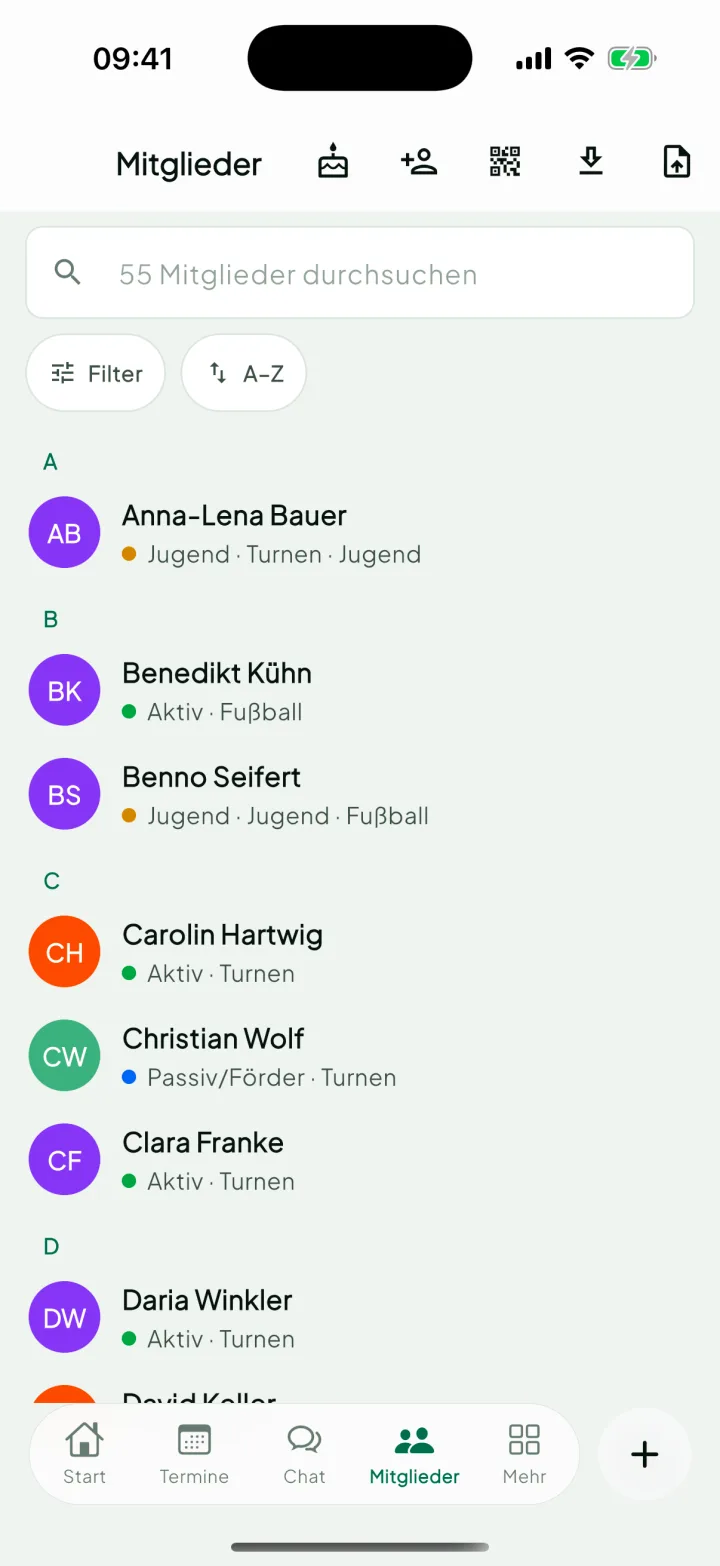
All members, one place
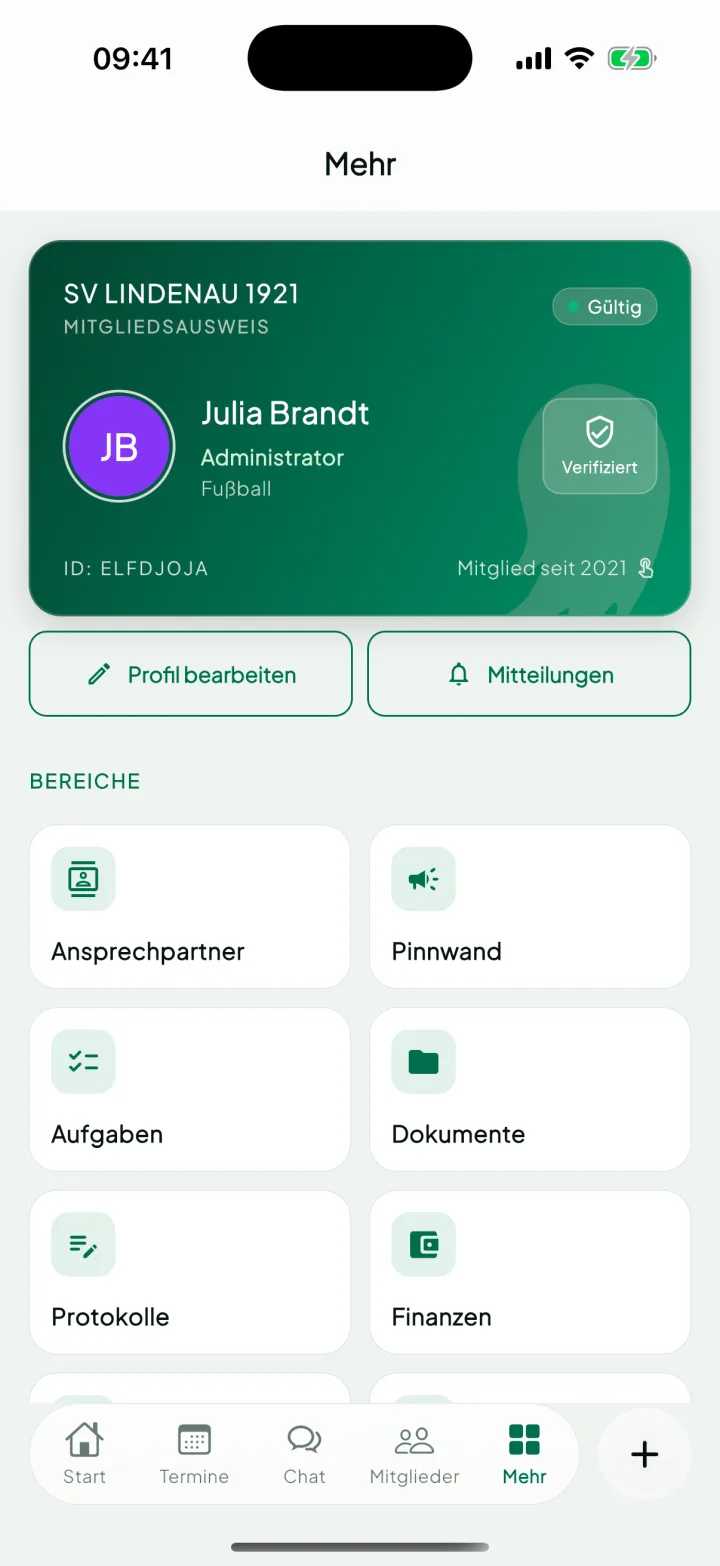
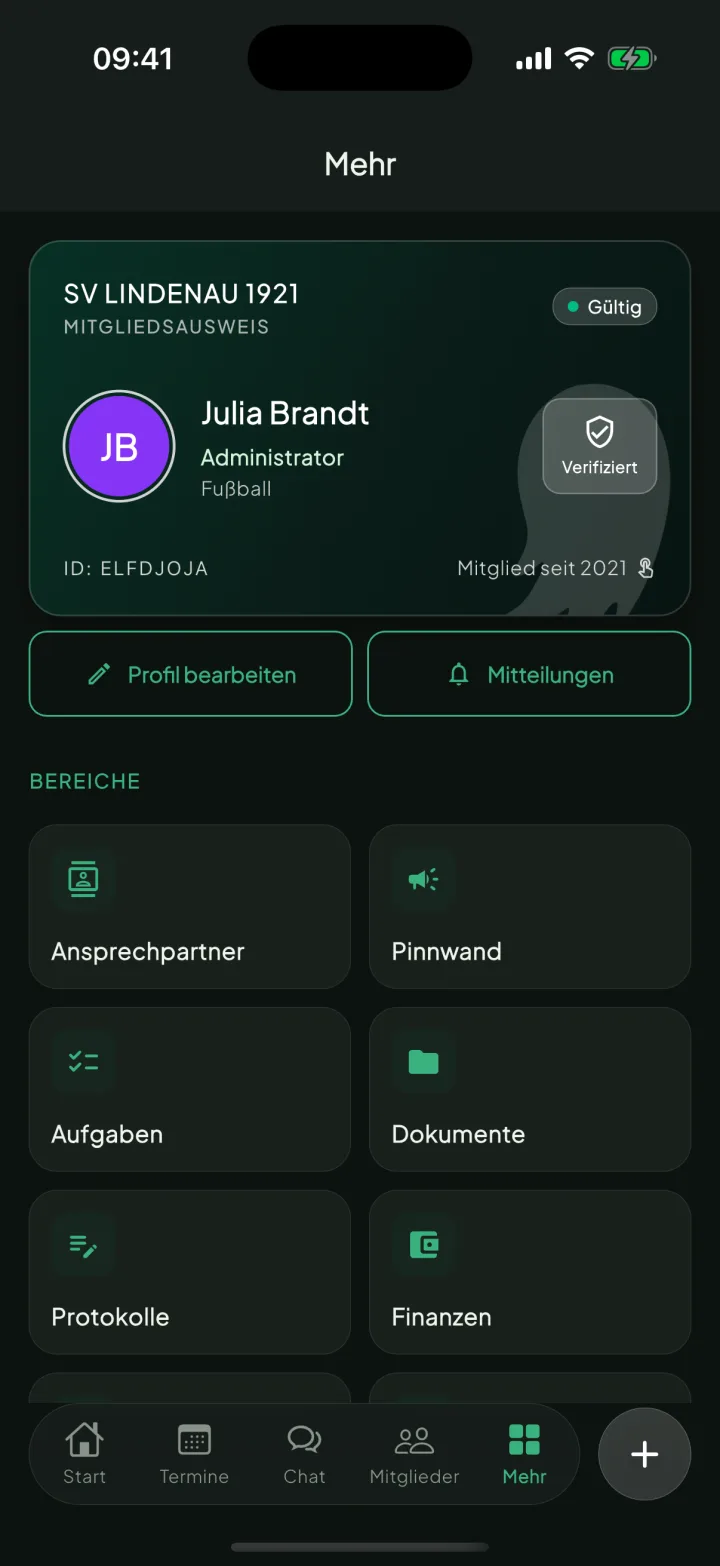
From QR code admission to departments: profiles, roles, tags and notes live in the app. Every member keeps their own data up to date, GDPR compliant.
Member management
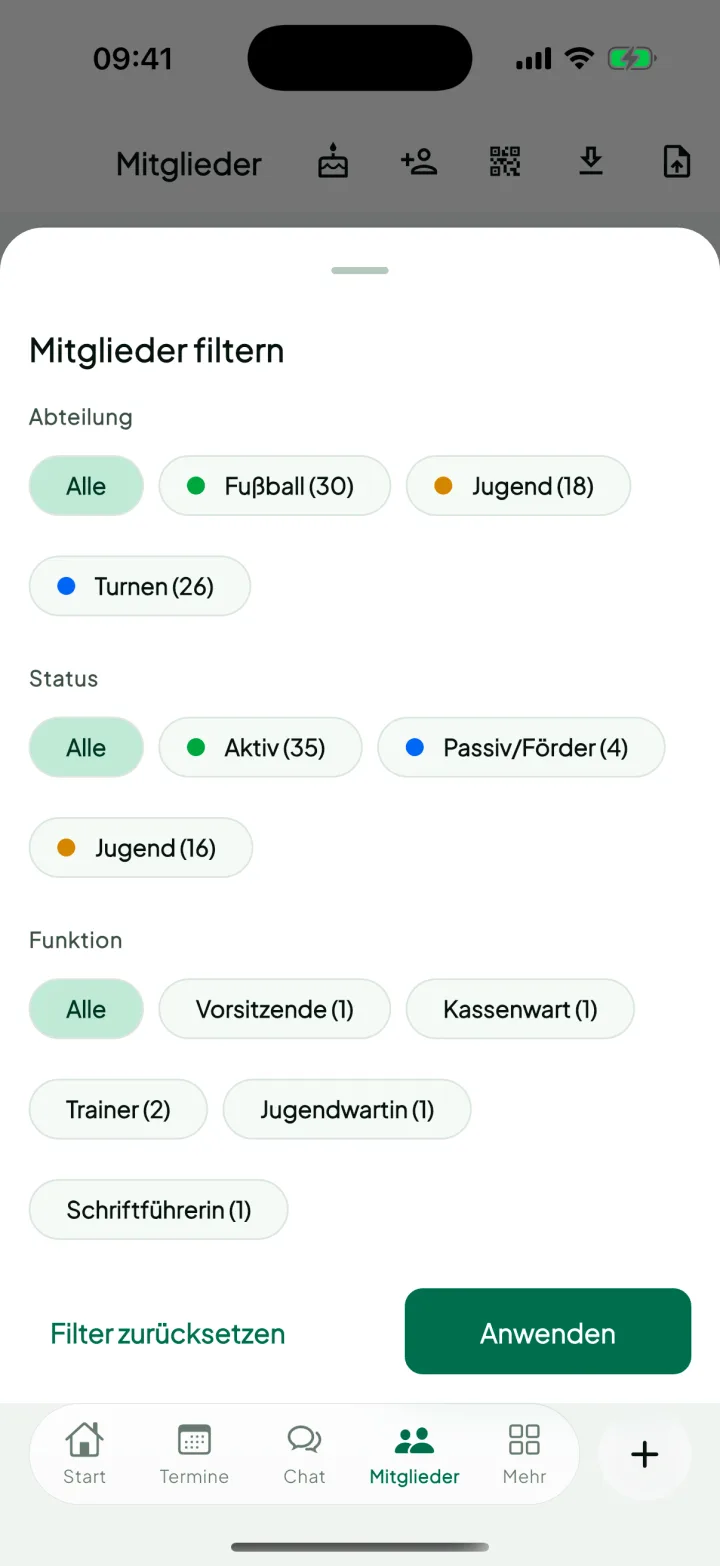
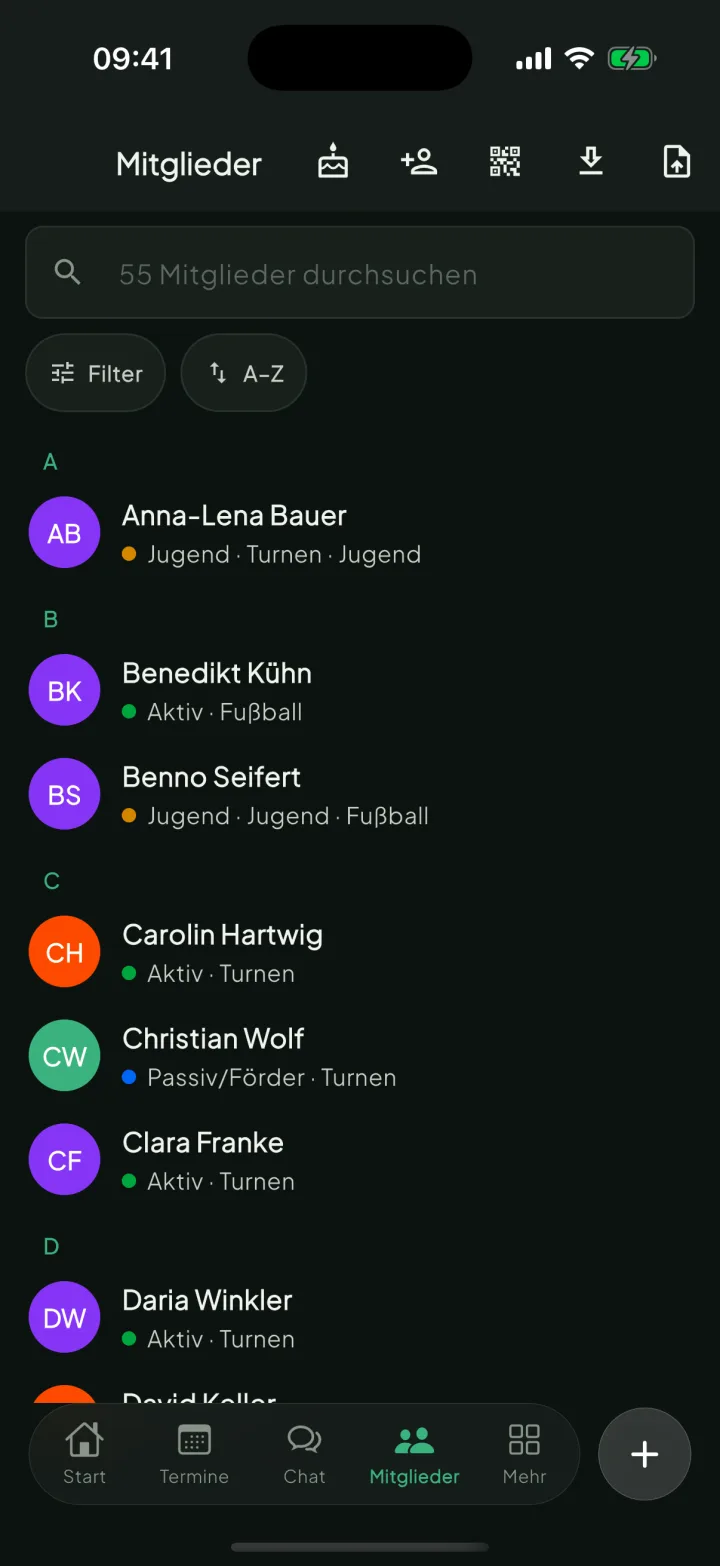
All member data in one place: profiles with detail view, roles, tags, search and filter. Invite new members via email, SMS, WhatsApp, QR code or link. The link fills in the invitation code; joining only happens after a deliberate confirmation. New codes have ten characters, older six-character codes stay valid until they expire. After too many failed attempts there is a waiting period. You can revoke an invitation, after which its code stops working. Invitation emails need a confirmed sender address and only go to addresses stored in the club; daily limits apply. Import existing lists via CSV and export all data anytime. Manage entry dates, department affiliations and bulk actions exactly the way your club needs.
Self-service profile
Members update their own profile independently – change address, phone number, email or profile picture without contacting the board. Roles cannot be changed by the member. Less administrative work for the board, more autonomy for members.
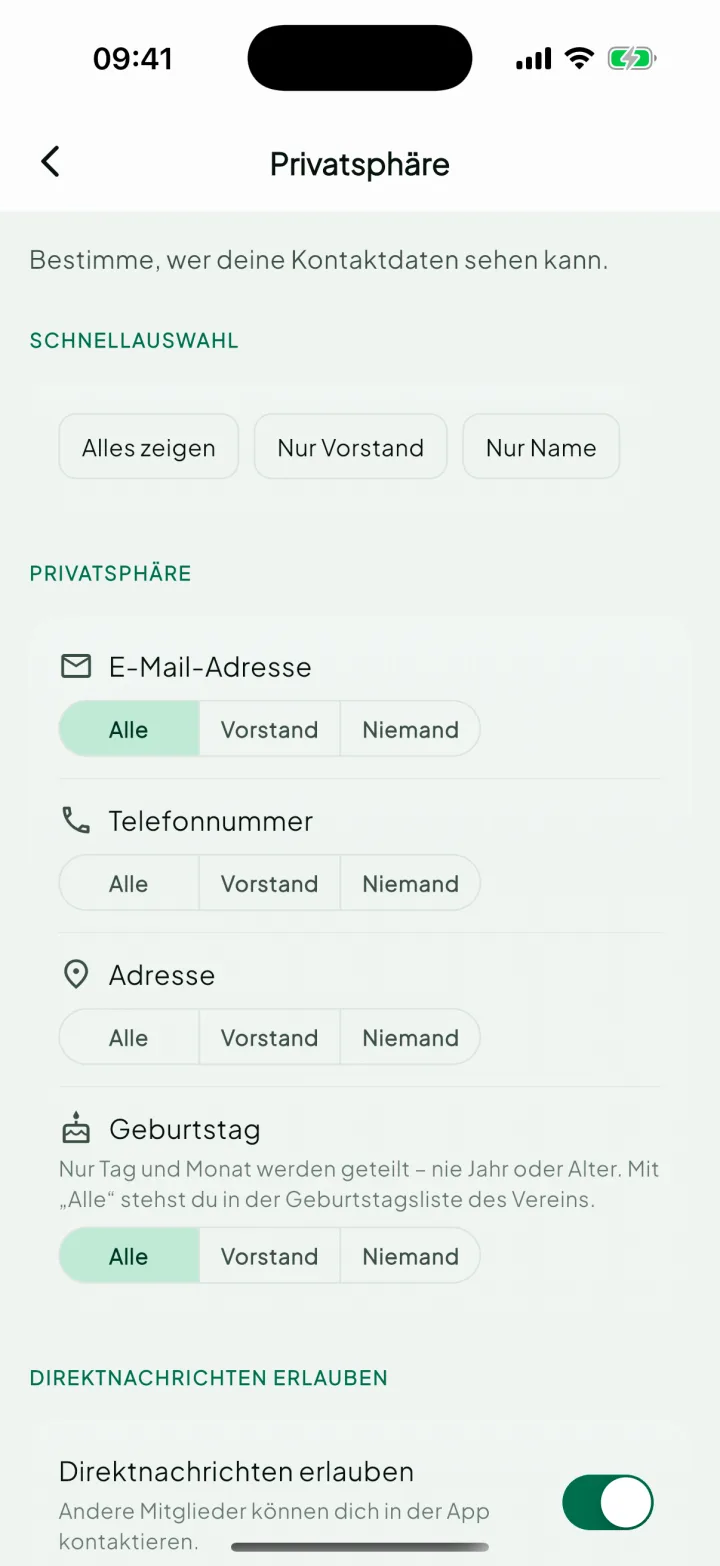
Member privacy settings
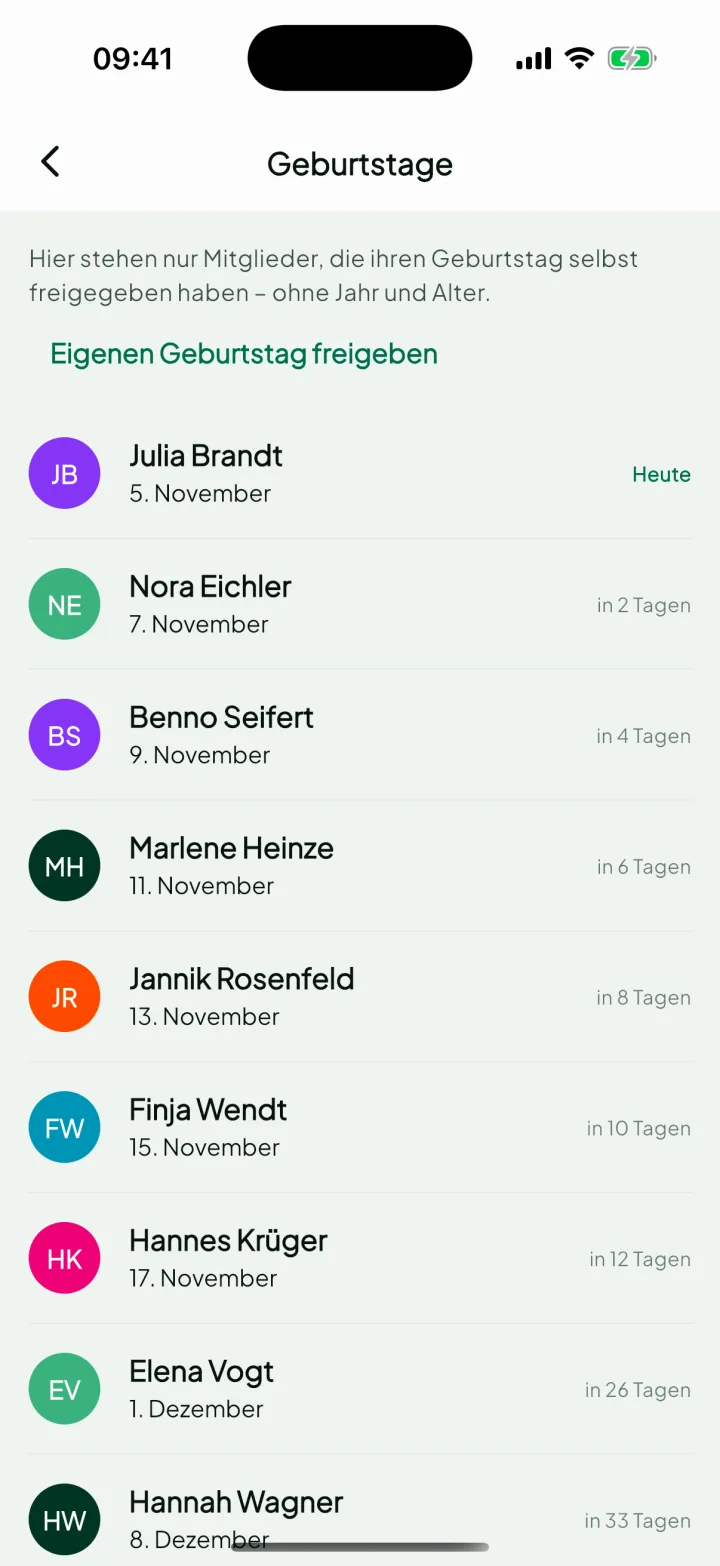
Each member controls which contact details are visible to others – email, phone and address can be individually shown or hidden. Board and admins always see all data, your own profile is always fully visible. Privacy built in from the start.
Digital membership form & QR code
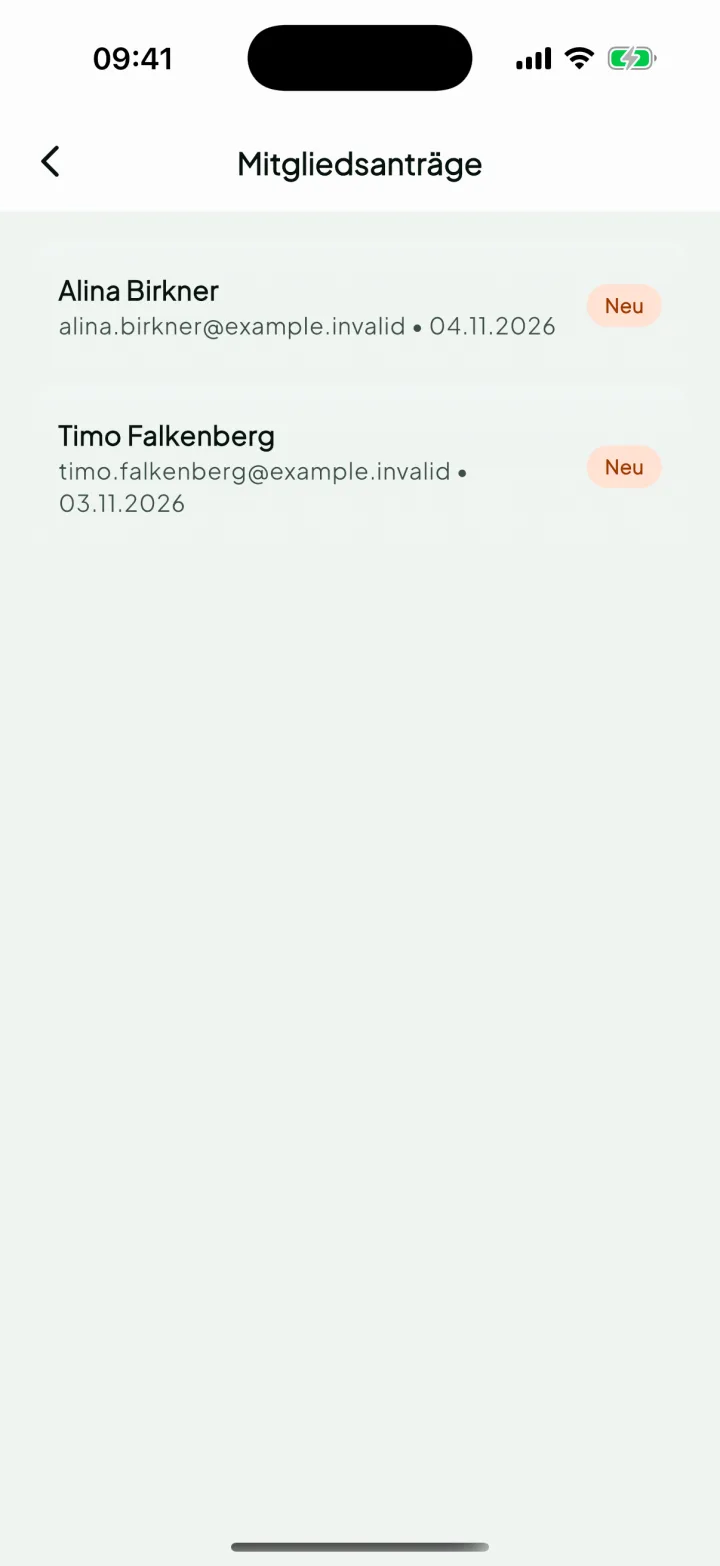
Every club gets a public join URL (/join/clubname) – no login needed. Print the QR code and embed it on flyers, posters or your website. New members fill out the application directly on their phone. Data goes straight into the system, the board is notified and can accept or reject with one click. No paper, no retyping, no errors.
Member Onboarding
Welcome tour with 4 steps for new members: set up profile, discover features, configure notifications, explore home screen. Plus contextual inline tips in the first 14 days – e.g. 'How RSVP works'. The membership date is manually editable.
Member notes
Leave internal notes on individual members – visible only to board and admins. Ideal for remarks on conversations, special requests, open topics or confidential information. Members cannot see these notes. This helps the board stay organized without relying on memory.
Departments & sections
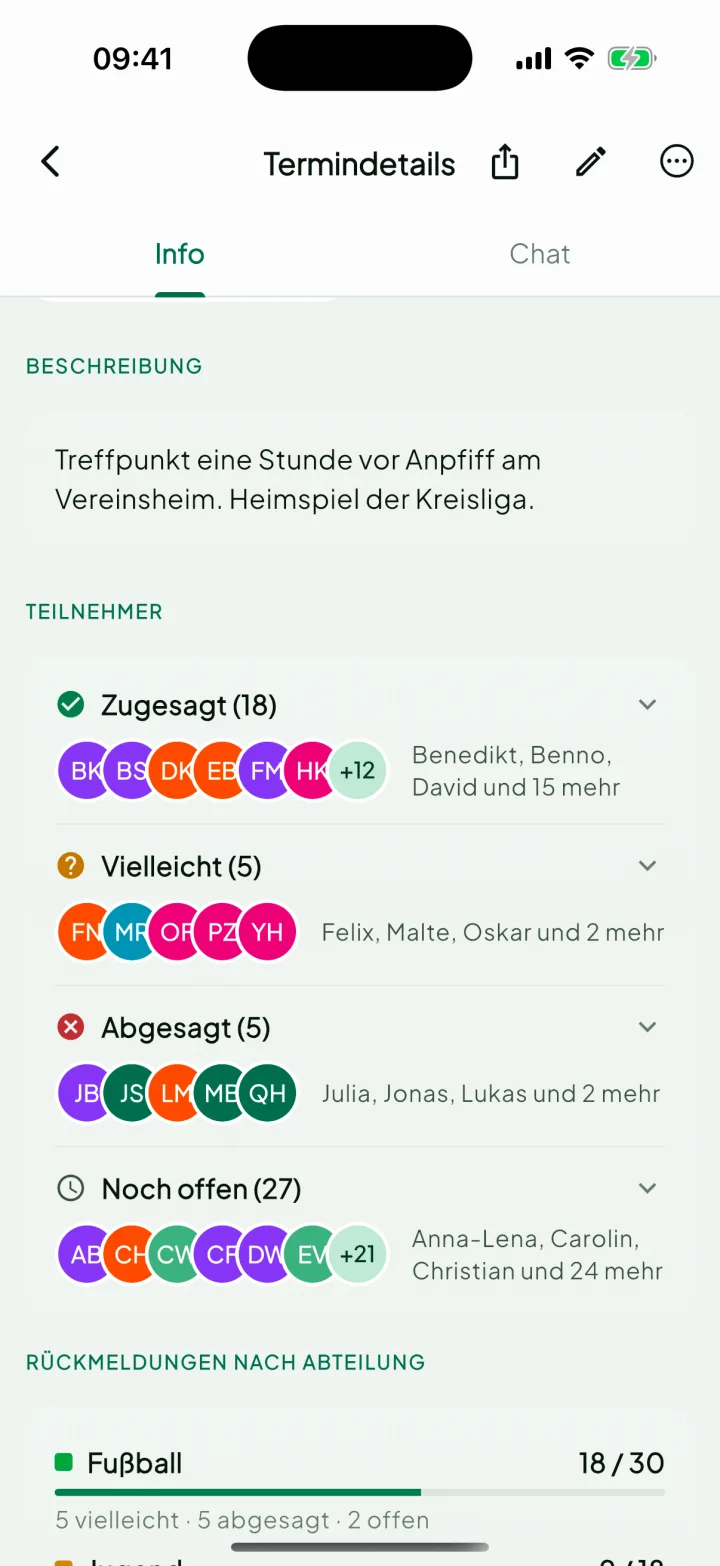
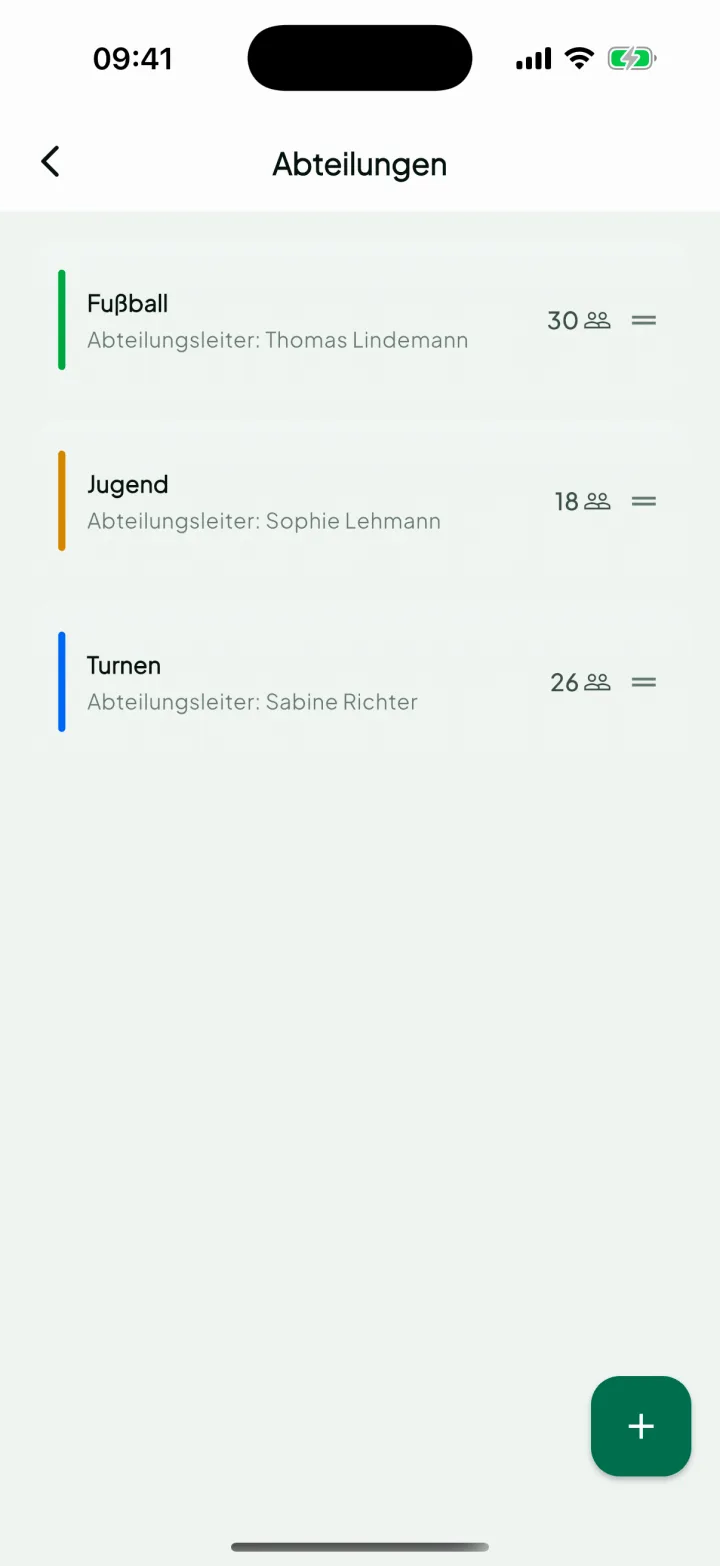
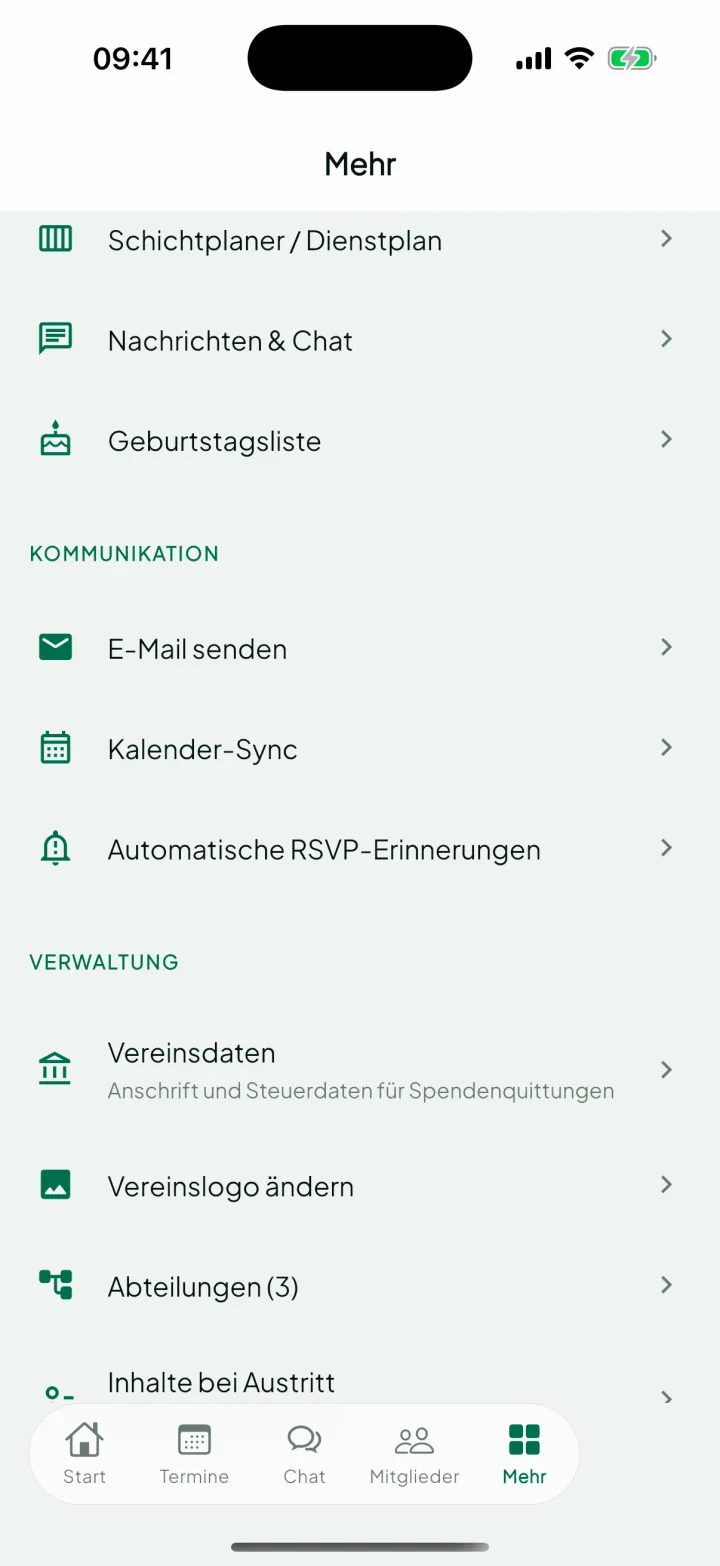
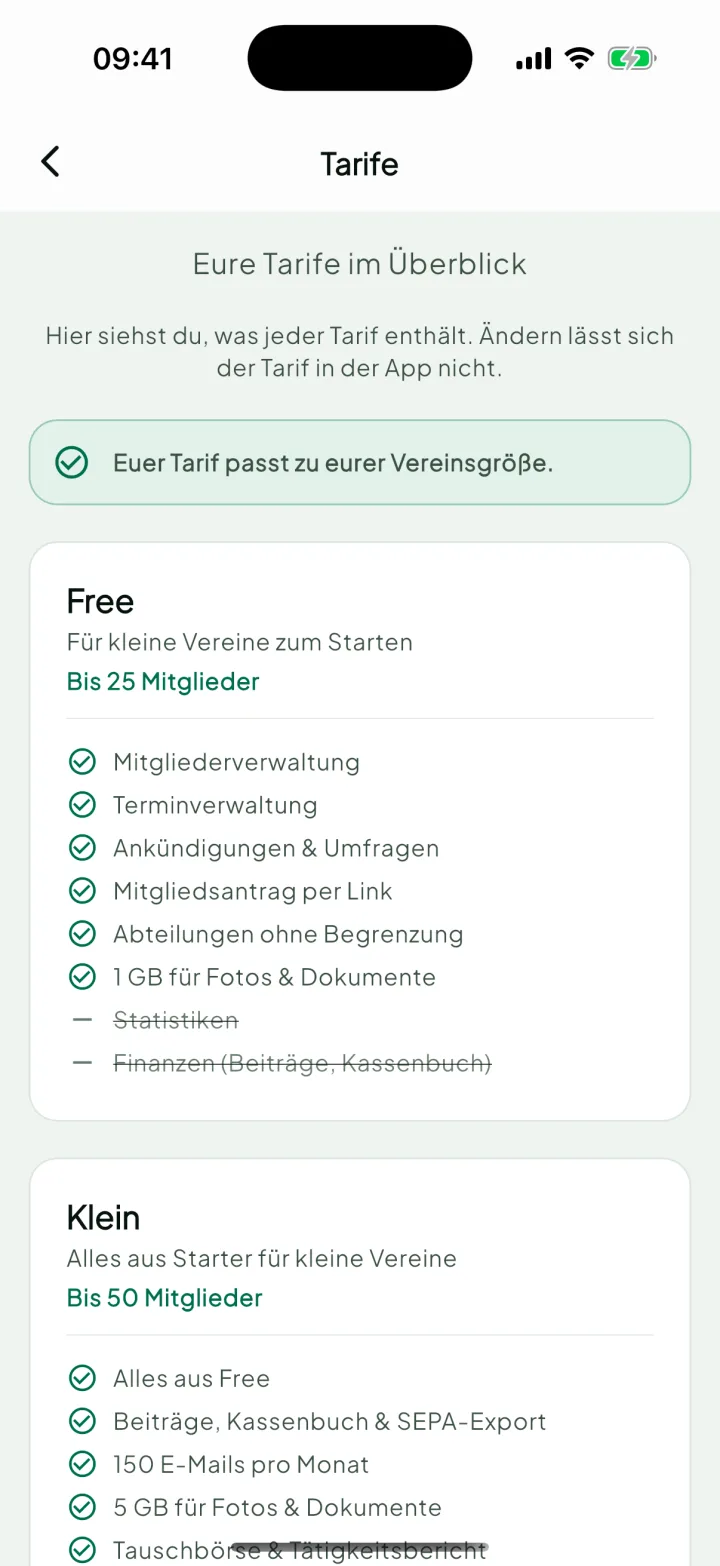
Organize your club into departments – e.g. football, tennis, youth or board. Members can be assigned to one or more departments, including bulk assignment. Departments control chat channels, event filters and email lists. Keeps communication targeted and organized. Departments and sections are unlimited in every plan, including department leads.
Club logo upload
Upload your club logo and the app adapts automatically. Dominant colors are extracted from the logo and used as the app color scheme. Vereinsgeist instantly feels like your club – individual and recognizable, without any manual configuration.
Roles & permissions
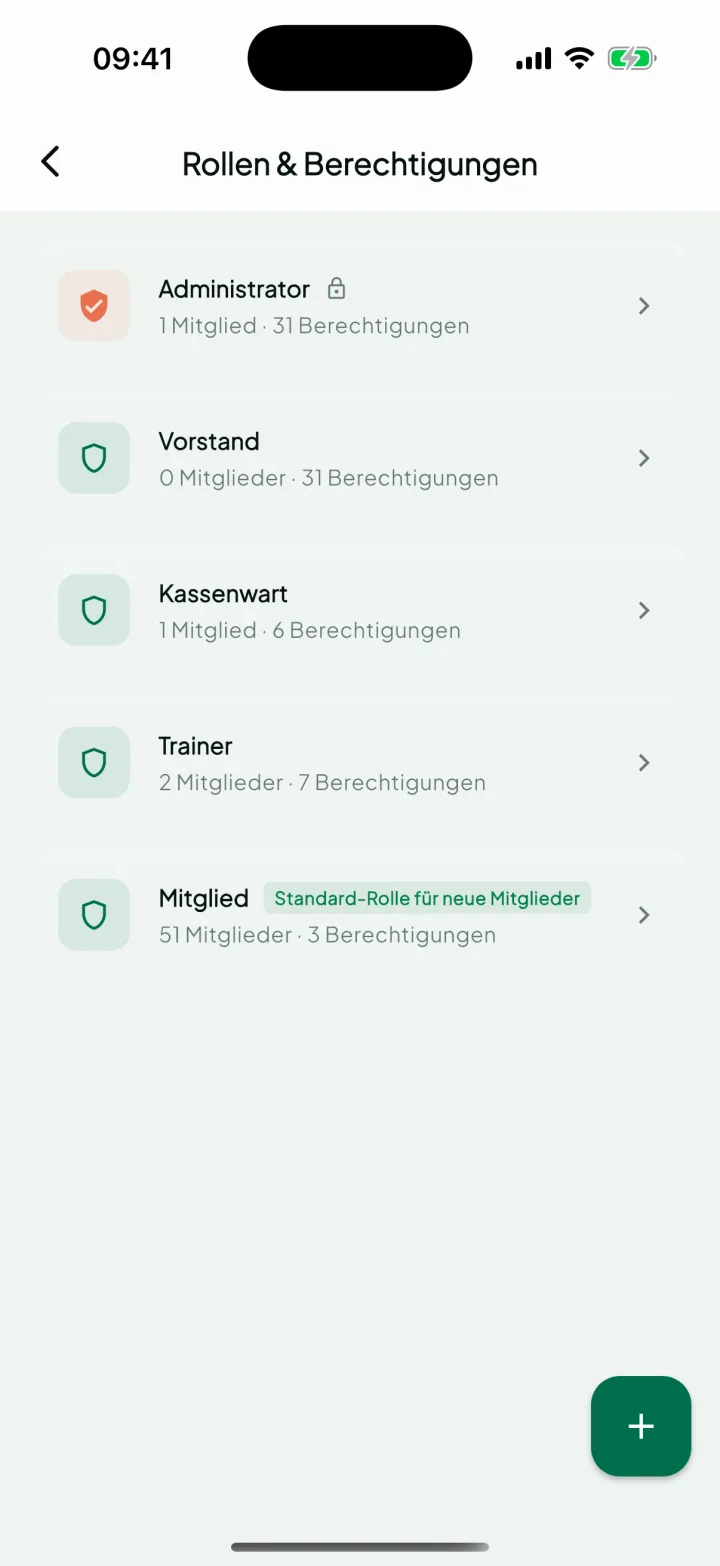
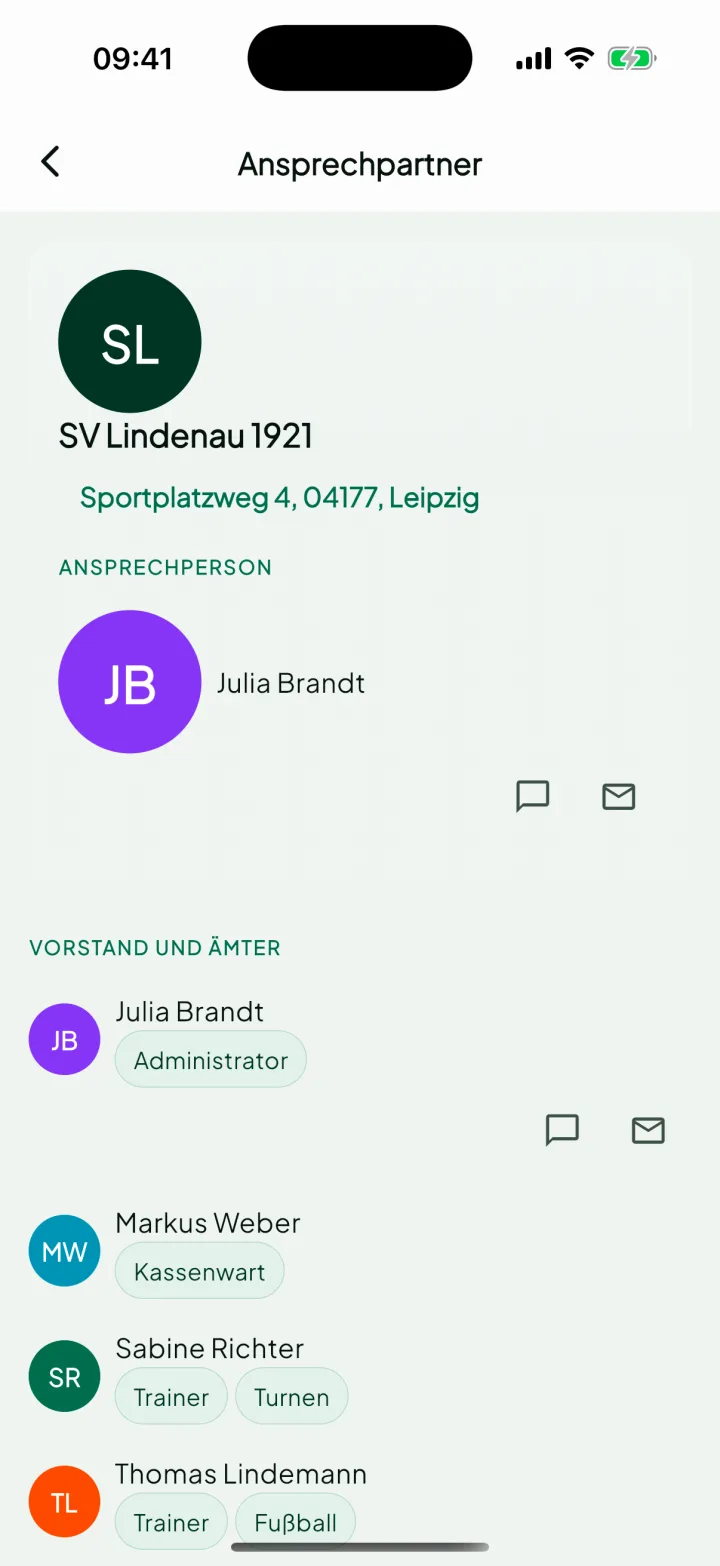
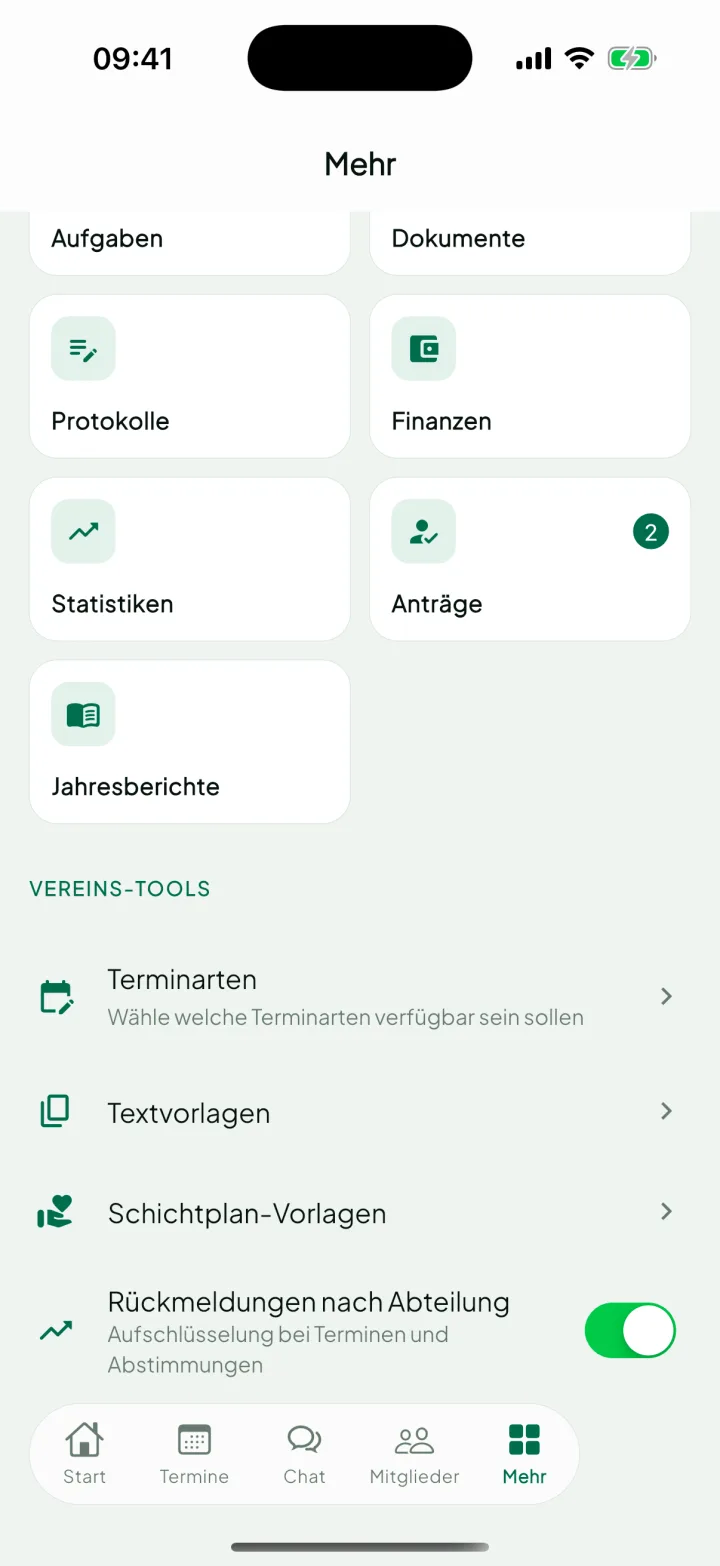
Fine-grained roles and permissions for members, roles, events, communication, finances, documents, minutes, inventory and administration. Beyond the 5 default roles (Admin, Board, Treasurer, Trainer, Member), unlimited custom roles can be created. Define exactly who can view, edit or manage what. Protected areas only open with the matching permission: "View finances" lets you read financial data, entering and editing needs "Manage finances". When role holders or founders leave, or someone else is to change the email address of a role profile, the role management permission is required.
Board handover assistant
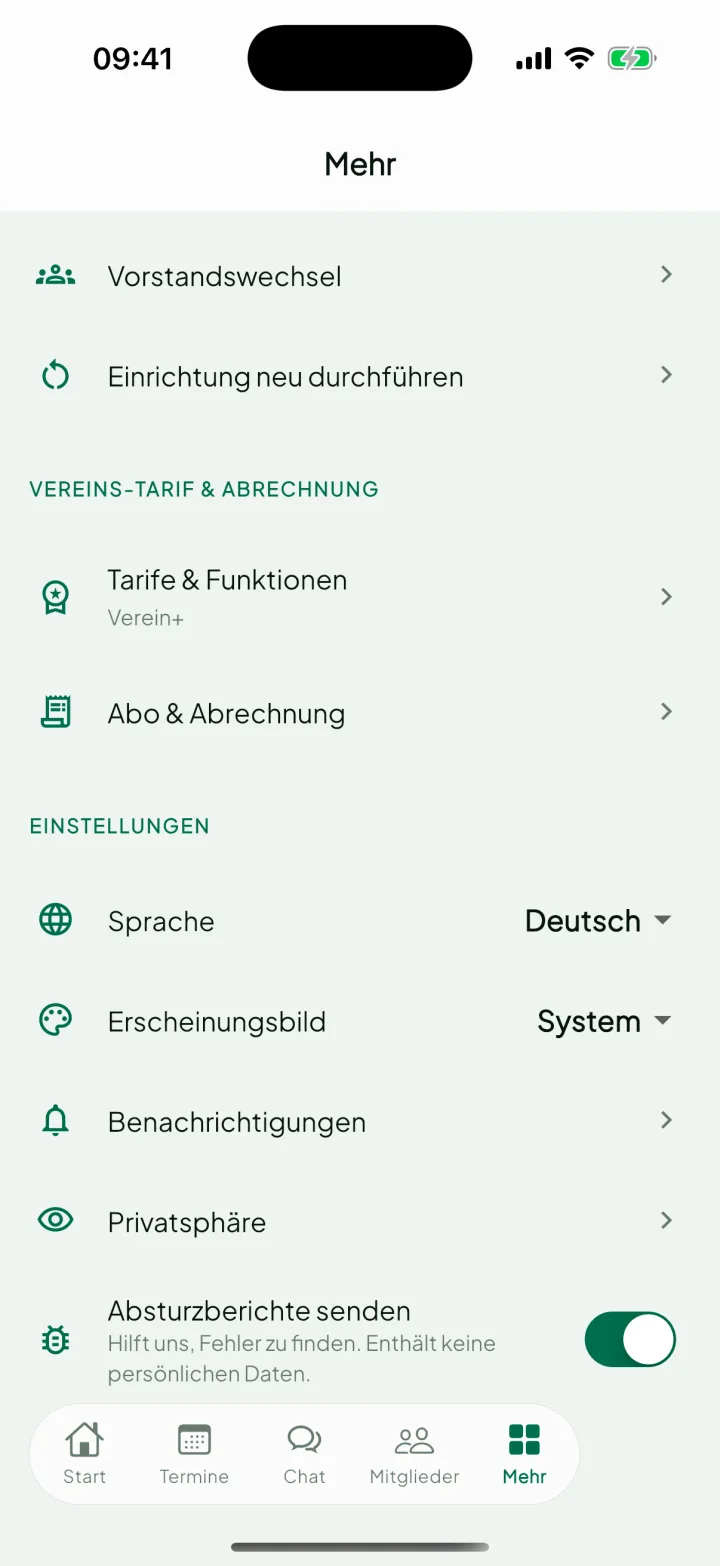
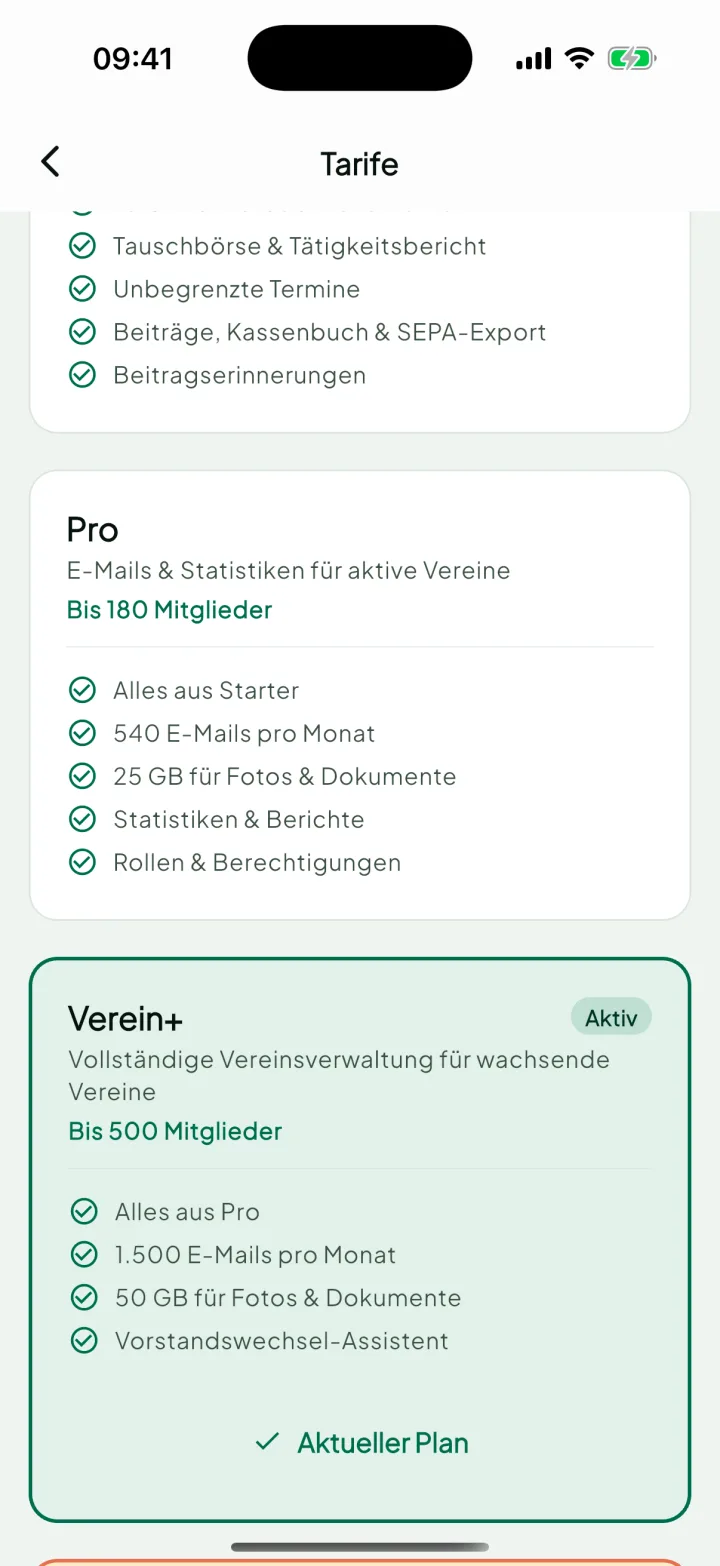
Guided handover for board changes: for each board role you pick the successor, review the changes in a preview and transfer all roles in one step. The permissions tied to each role in the app move with it.